Affecting Weightmaps
- Errant Paths 1.2 and later
- Errant Paths 1.1 and prior
Landscape weightmaps are handled very similarly to landscape height. To write to a weightmap create an entry
in the Weightmap Adjustments category for each weightmap you want to affect. Set name, value and follow the steps
provided in Affecting Landscape Height.
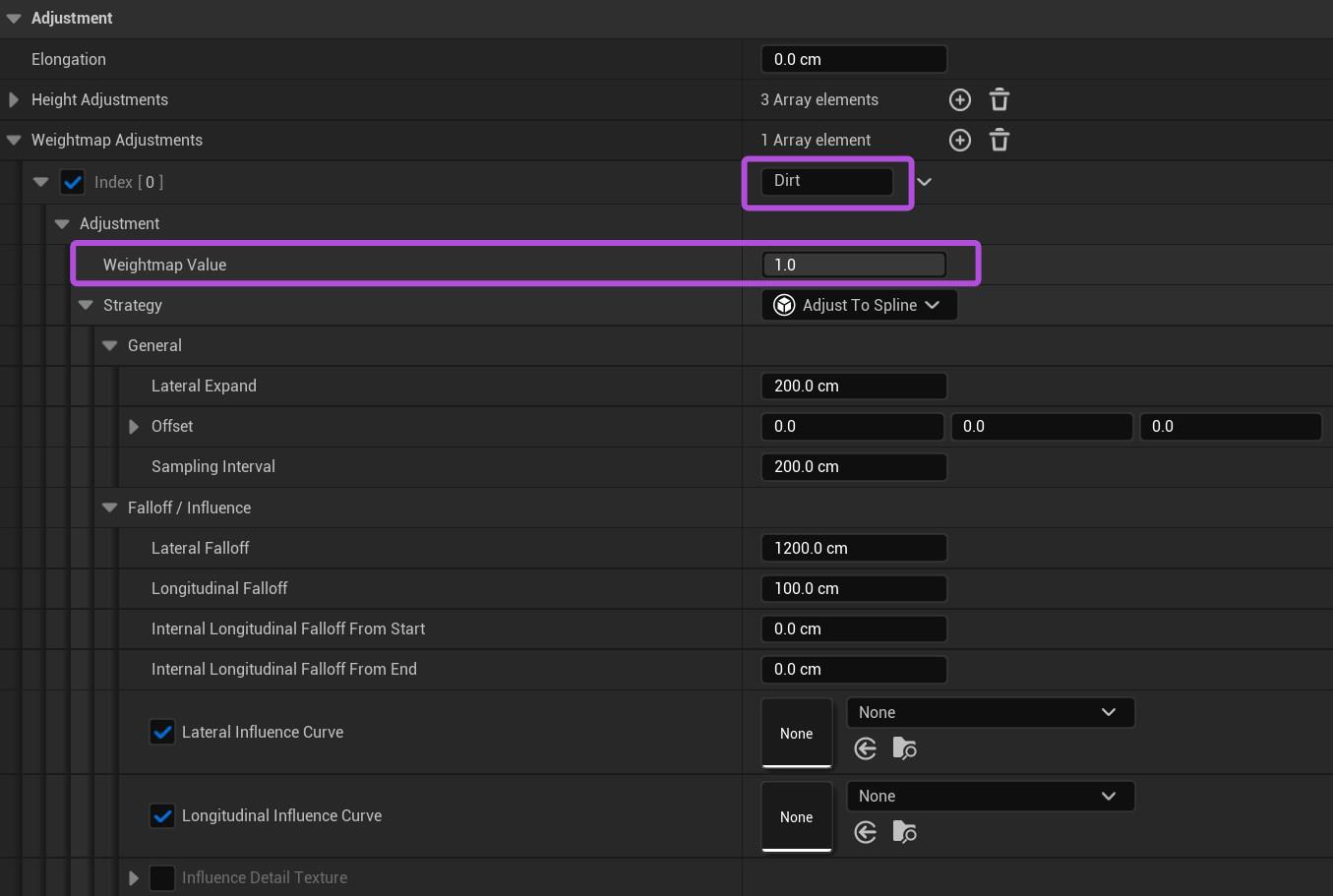
Weightmap Value controls the value written to the weightmap (multiplied by the optional curve value). You can clear weightmap values by writing a zero, or subtract from a weightmap by writing a negative value with the Additive operator.

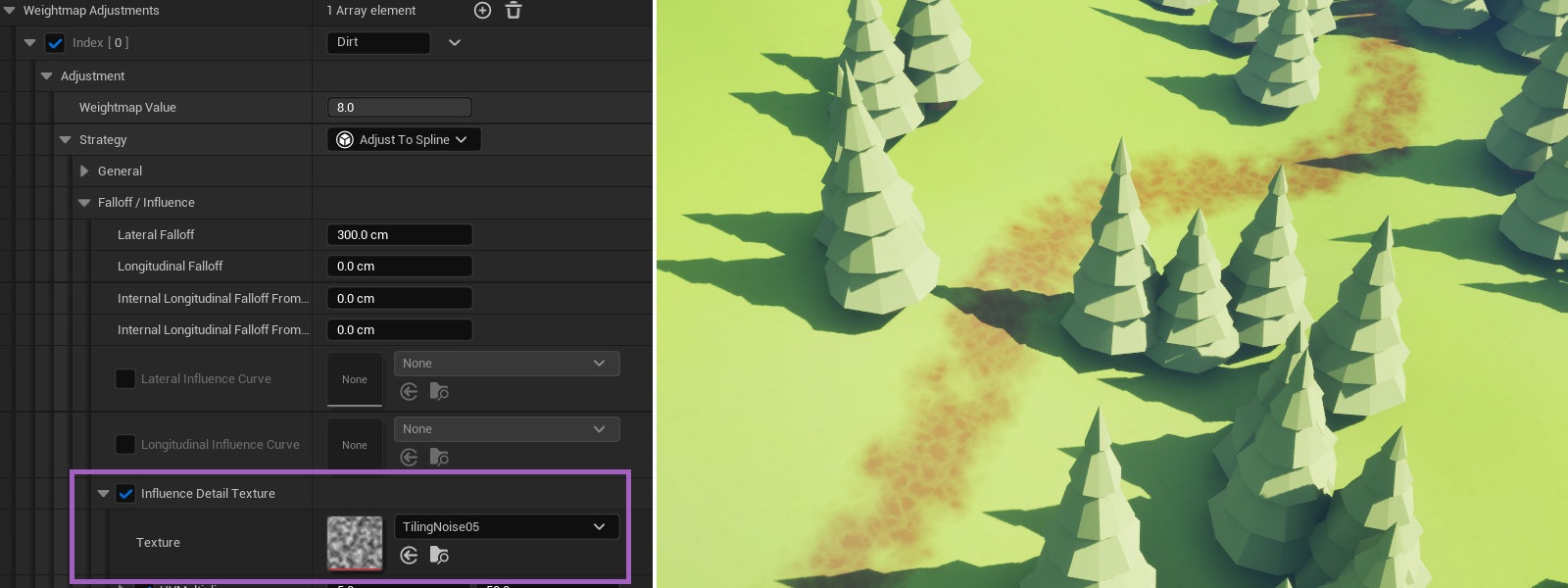
Weightmap adjustment can also be driven by an Influence Detail Texture, similarly to height adjustment. This allows adding a more natural perturbation to the landscape coloring near roads, trails and rivers.
Landscape weightmaps are handled very similarly to landscape height. To write to a weightmap create an entry
in the Weightmap Adjustments category for each weightmap you want to affect. Set Weightmap Name to the
relevant weightmap's name and follow the steps provided in Affecting Landscape Height.
Paths always write a value of one to the weightmap, multiplied by the optional curve value.