Navigating to Assets
Finding the assets that were used to generate a given Path may be a challenge in complex projects. To make that task easier, we added buttons to quickly navigate to assets that spawned the selected Path/mesh. These buttons become even more helpful when using conditional spawning and various elements of the Path are spawned by different PathTemplates.
Navigating to the PathTemplate
Navigating to the PathDescription
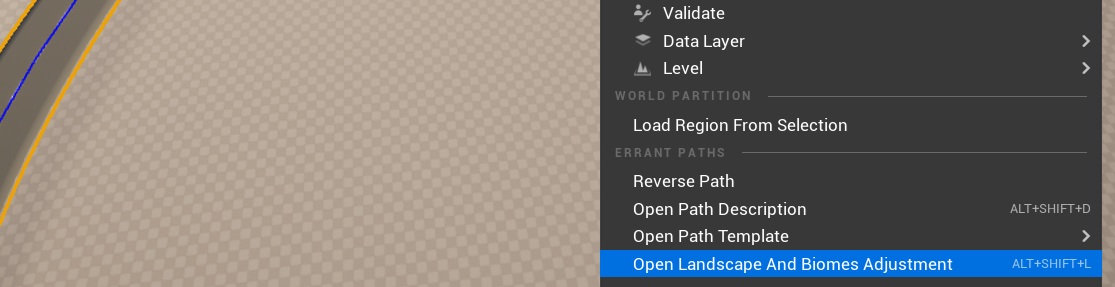
Navigating to the LandscapeAndBiomesAdjustmentProperties
- Errant Paths 1.2 and later
- Errant Paths 1.1 and prior
You can also navigate to the LandscapeAndBiomesAdjustmentProperties of a Path from the Path's right-click context menu.
The right-click context menu of a Path has no entry for the LandscapeAndBiomesAdjustmentProperties.