Extending the license
Extending the license gives you access to new versions, but is not required for continued use of the plugins (the license is perpetual). Even if the license expired, you can download and use all the versions that were released prior to the expiration.
- To extend the license, start by navigating to your License Page. The link to the License Page is in the purchase confirmation email.

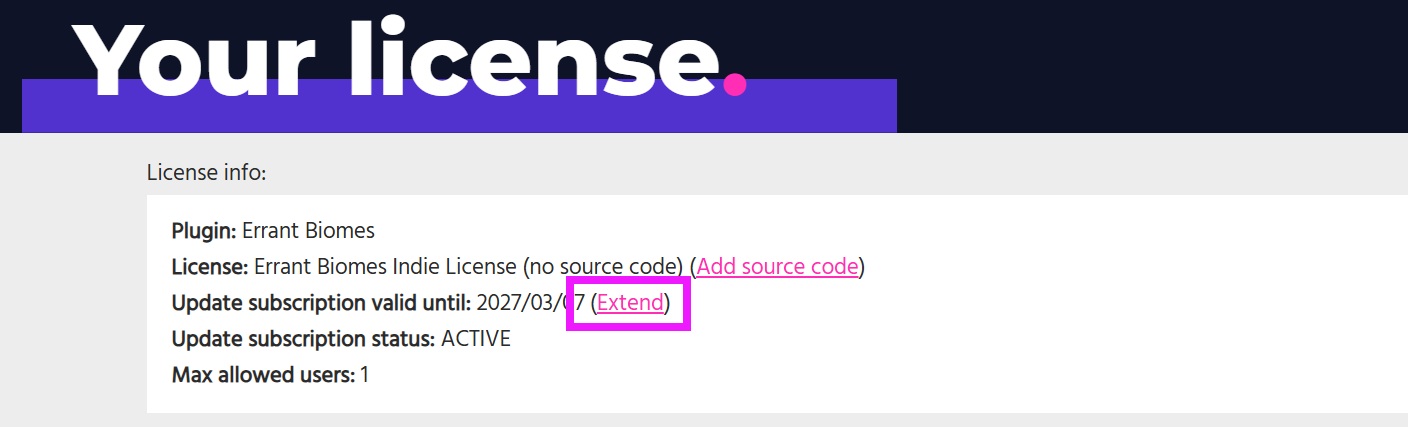
- In the License Page, click the "Extend" link:
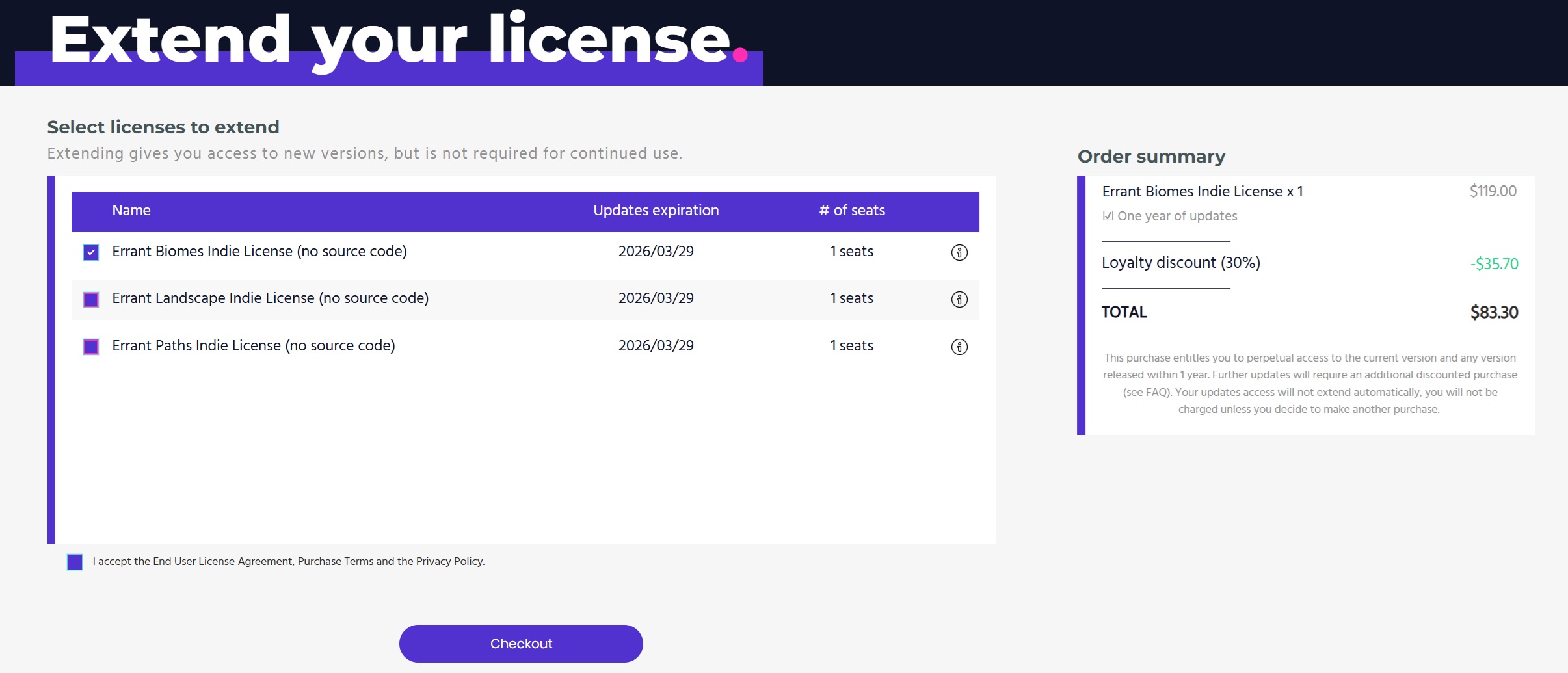
- And select the licenses you want to extend.
info
If you plan to extend your license, it's best to do it before the current license expires to benefit from the loyalty discount:
- 1st year (included with your license purchase): Regular price
- 2nd year: 30% off the regular price for Indie license holders and 20% for Studio license holders
- 3rd year: 50% off the regular price for Indie license holders and 35% for Studio license holders
Continuity discount for one plugin does not apply to another.