Adding the source code
If you purchased a license without the source code access and would like access the source code, follow the below steps:
- Navigate to your License Page. The link to the License Page is in the purchase confirmation email.

- In the License Page, click the "Add source code" link:
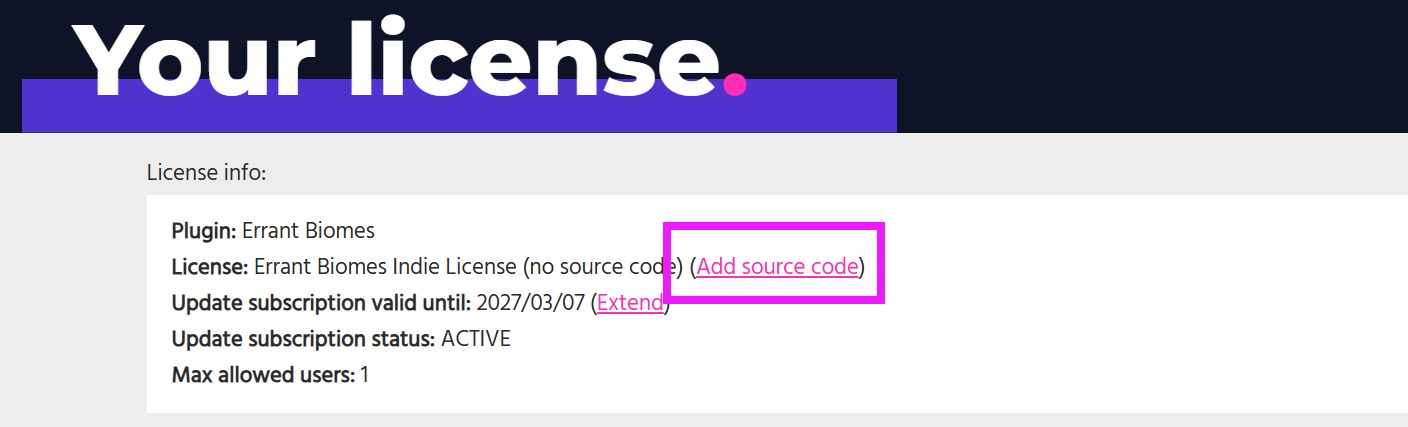
- Once the payment is complete, source code access will be added to your license and you will see additional plugin versions in your License Page.
info
You can purchase the source code for one or multiple plugins. When adding it for multiple plugins, the above steps need to be repeated for each plugin.
If you're working in a team, all team members need to use either the precompiled version of a given plugin or the source code version.